
Project time tracking software
Connect timesheets to project budgets and billing
Intervals gives teams flexible ways to record time, then keeps every entry connected to the client, project, task, budget, and invoice it belongs to.
-
Timers and weekly timesheetsRecord time in the format that fits the work, from any supported device.
-
Approvals and remindersPrompt complete entries and review submitted time before it reaches reports or invoices.
-
Project and billing contextCompare tracked hours with estimates and budgets, then use approved time for client billing.

Best fit
For teams that need project context—not just a stopwatch
Intervals is designed for agencies, consultants, developers, and other client-service teams that need to understand where project hours go and what those hours mean for delivery and billing.
What stays connected
- People and work: each entry can be tied to a client, project, module, task, and work type.
- Time and budgets: managers can compare actual hours with estimates and project limits.
- Time and revenue: approved billable entries can support reports and invoices.
“Easy to find projects and enter time. Multiple days’ time can be added in one go.”
TIMESHEETS
Effortless time tracking that fits your workflow
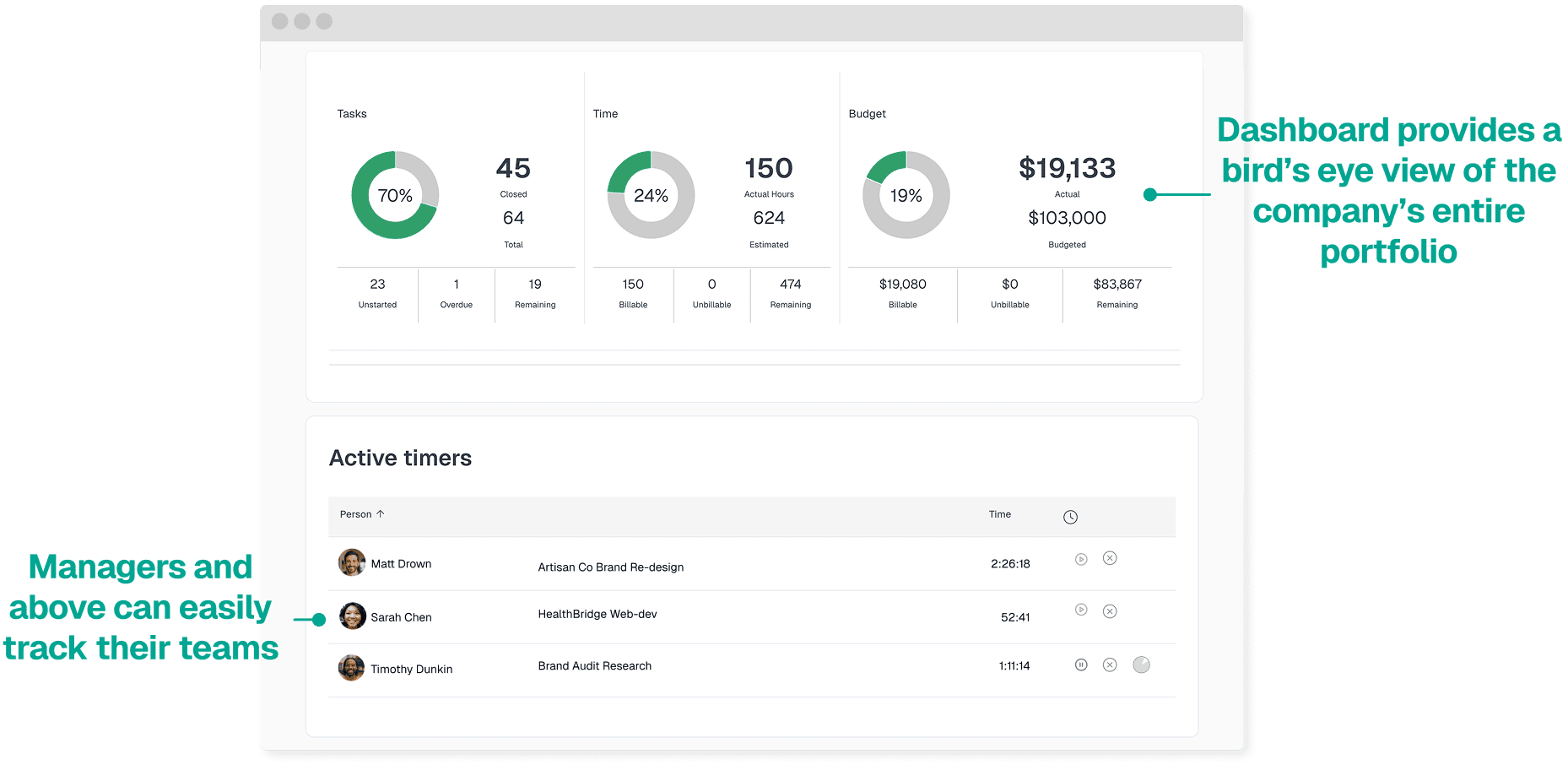
Use running timers for active work or add time directly to a weekly timesheet. Every entry retains the project details managers need for review, reporting, and billing.
DESKTOP & MOBILE APPS
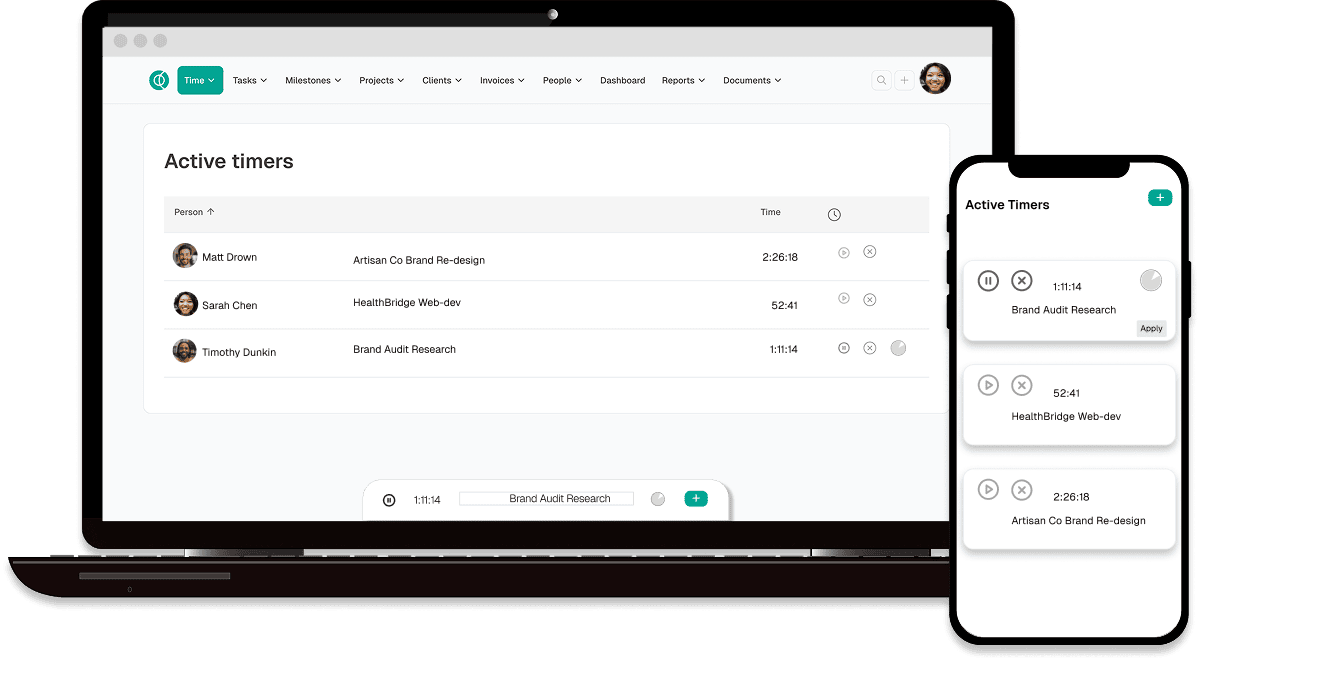
Log hours from anywhere, at any time
Easily track project time from anywhere with Intervals.
-
Access your timer with a single click. Intervals allows you to focus on your tasks without needing to keep a separate tab open, as the timer operates in the background.
-
Track time and expenses on the go. Use the mobile app to log time while visiting clients or working remotely. Additionally, capture receipts for expense tracking and reimbursement purposes.
INTEGRATIONS FOR REPORTING
Use project time in reports and other systems
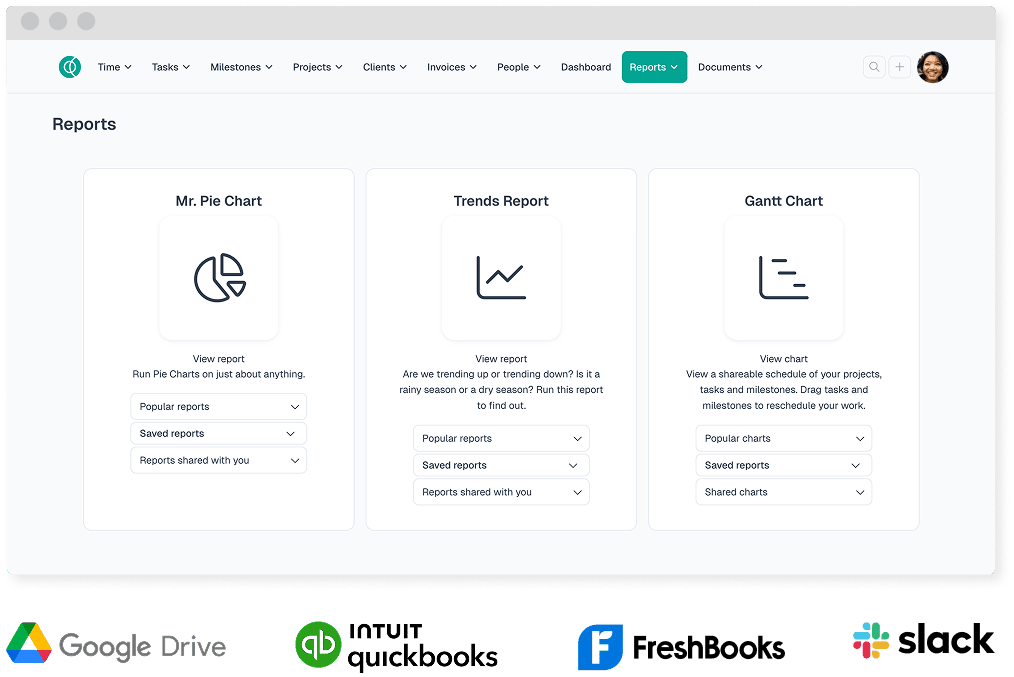
Filter time reports by client, project, person, task, or work type. Export results for further analysis or use the Intervals API for supported custom workflows.
-
Filterable project-time reports. Answer specific questions about billable work, team activity, project progress, and budgets.
-
Exportable data. Export time data when you need a spreadsheet, backup, or analysis outside Intervals.
-
Documented API. Build supported connections when your workflow needs more than the built-in exports and integrations.

We are here to help onboard your team.
More features
Frequently Asked Questions
Time management software, also known as a time tracking app, is a time management tool that gives you the ability to track the amount of time you and your team members spend on the various projects your business takes on.
Additionally, many time tracker apps, like Intervals, provide additional resources to help empower your team and keep your projects on track, all within a mobile app. These can include task managers, productivity tools, budget tracking, and insights to help you make better business decisions and optimize your processes.
For example, Intervals’ easy-to-use time management software turns your team’s tracked time into visualized reports that provide a unique insight into how your team is spending work hours. This way you can see who is under-utilized, who is facing burnout, and when it’s time to hire new employees to drive the growth of your business.
Time management software can also help with budget tracking. Intervals updates your project budgets in real time to help you keep your projects profitable and running smoothly. You can also keep track of internal costs and rates and review past project data to make smarter decisions for future plans.
Intervals does not offer a free plan. It offers paid plans for teams with different project needs, and you can try Intervals free for 14 days with no credit card required.
During the trial, you can see how easy it is to track time, gain insights from past projects, and get paid for your work — all in one place. If Intervals is a good fit, choose the paid plan that best fits your team.
Intervals pricing is based on active projects, not per seat. Our Basic plan ($49/mo) includes unlimited users—so you can scale your team without scaling your pricing. That's big savings compared to per-seat tools.
Lite ($29) and higher tiers are on our pricing page. All plans except Lite include unlimited users. Start with a free 14-day trial; no credit card required.
Time management among your team and business is critical to the success of your projects. Using effective time management allows your team to plan out their days knowing all the necessary tasks are completed in a limited amount of time without experiencing burnout.
Teams who don’t utilize an effective time management strategy are more likely to delay project deadlines, produce work that doesn’t meet company standards, disrupt work/life balance and feel more stressed.
What are the benefits of time management? For starters, a solid time management strategy motivates your team to complete their goals, in less time. If your team can manage their time effectively, they have a much larger chance of using the limited hours in the workday to achieve the greatest possible results.
It’s easy for your team to get distracted during the eight hours of the day responding to emails, planning too many meetings, and other tasks. But with solid strategy behind time management, they’re more likely to advance projects, engage in smart planning strategies, and work to sharpen their skills overall.
Start tracking time today
See how Intervals can simplify time tracking and project management for your team.
Try Intervals free