
Project and task management software
Manage client projects with time and budgets built in
Intervals keeps tasks, milestones, status updates, files, time, and project financials together so professional services teams can see both delivery progress and effort.
-
Structure the workBreak projects into modules, milestones, and tasks with clear owners and due dates.
-
Keep decisions with the taskCentralize comments, files, notifications, status changes, and client-visible updates.
-
See effort and budget togetherUse integrated time tracking and reporting to compare planned work with actual delivery.

Best fit
For teams delivering scoped work for clients
Intervals works best when tasks, time, budgets, and billing need to tell the same story. It is not positioned as a general-purpose document suite or an enterprise portfolio-planning system.
A practical project workflow
- Set up the client, project, modules, milestones, and budget.
- Assign tasks and capture discussion, files, estimates, and status.
- Track time against the work and review delivery through reports.
- Use approved project data to support client reporting and invoicing.
TASK MANAGEMENT
Project management that doesn't get in your way
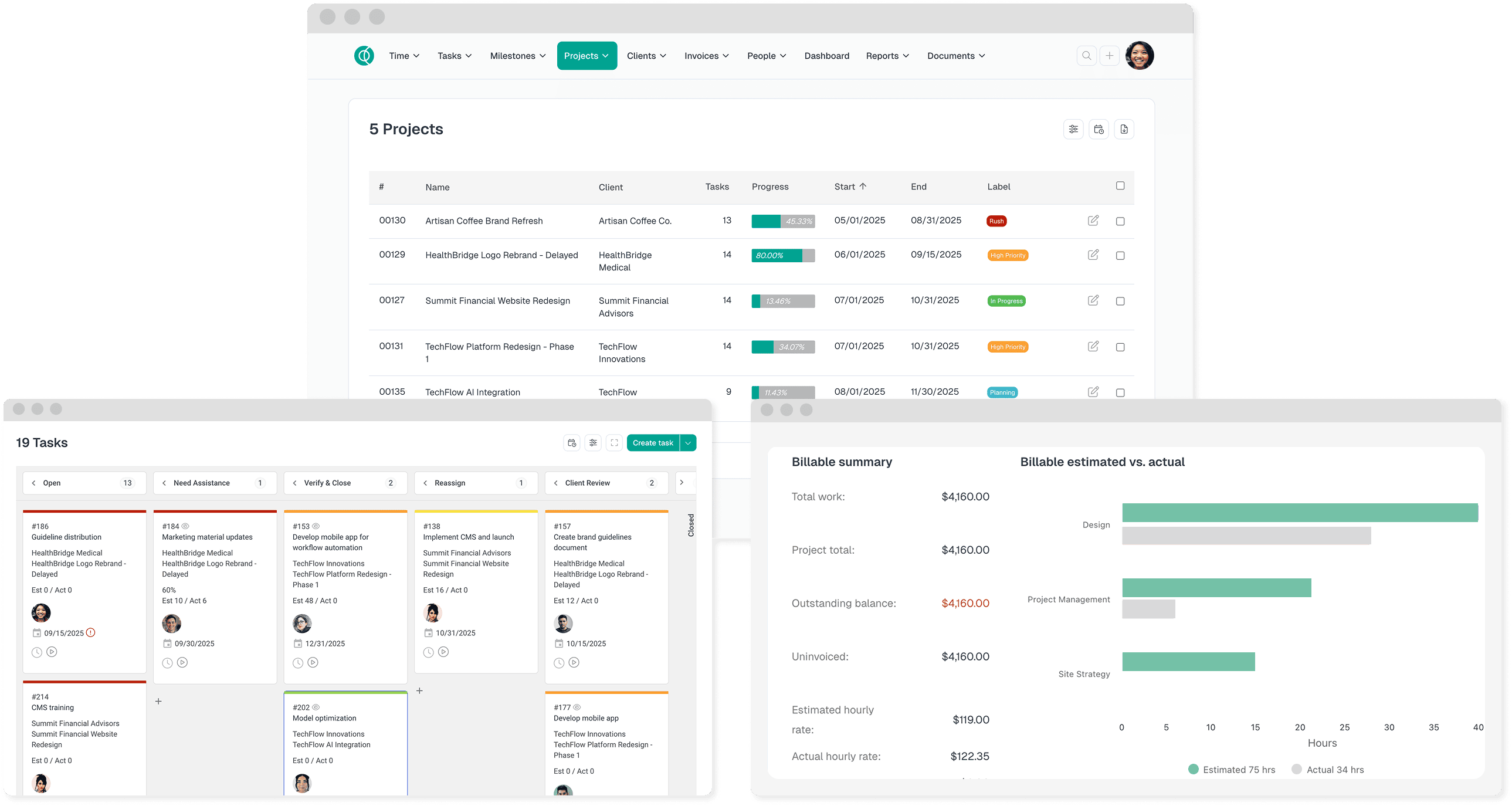
Create a repeatable structure for client work, then let each task carry its owner, estimate, status, due date, discussion, files, and tracked time.
Manage tasks easily
Intervals offers intuitive task management to create, assign, and track tasks seamlessly across projects.
Establish project milestones
Intervals ensures your team is aware of project milestones and upcoming deadlines through timely notifications.
Access project reports
Gain valuable insights into your team's productivity and project progress with Intervals' comprehensive project reports.
Enhance Team Collaboration
Intervals streamlines team communication and collaboration, leading to more efficient project delivery.
Approvals keep projects on track
Implement Project Approvals to verify the quality of your team's work prior to client delivery or key project status-based decisions.
DESKTOP & MOBILE APPS
Manage projects from anywhere, at any time
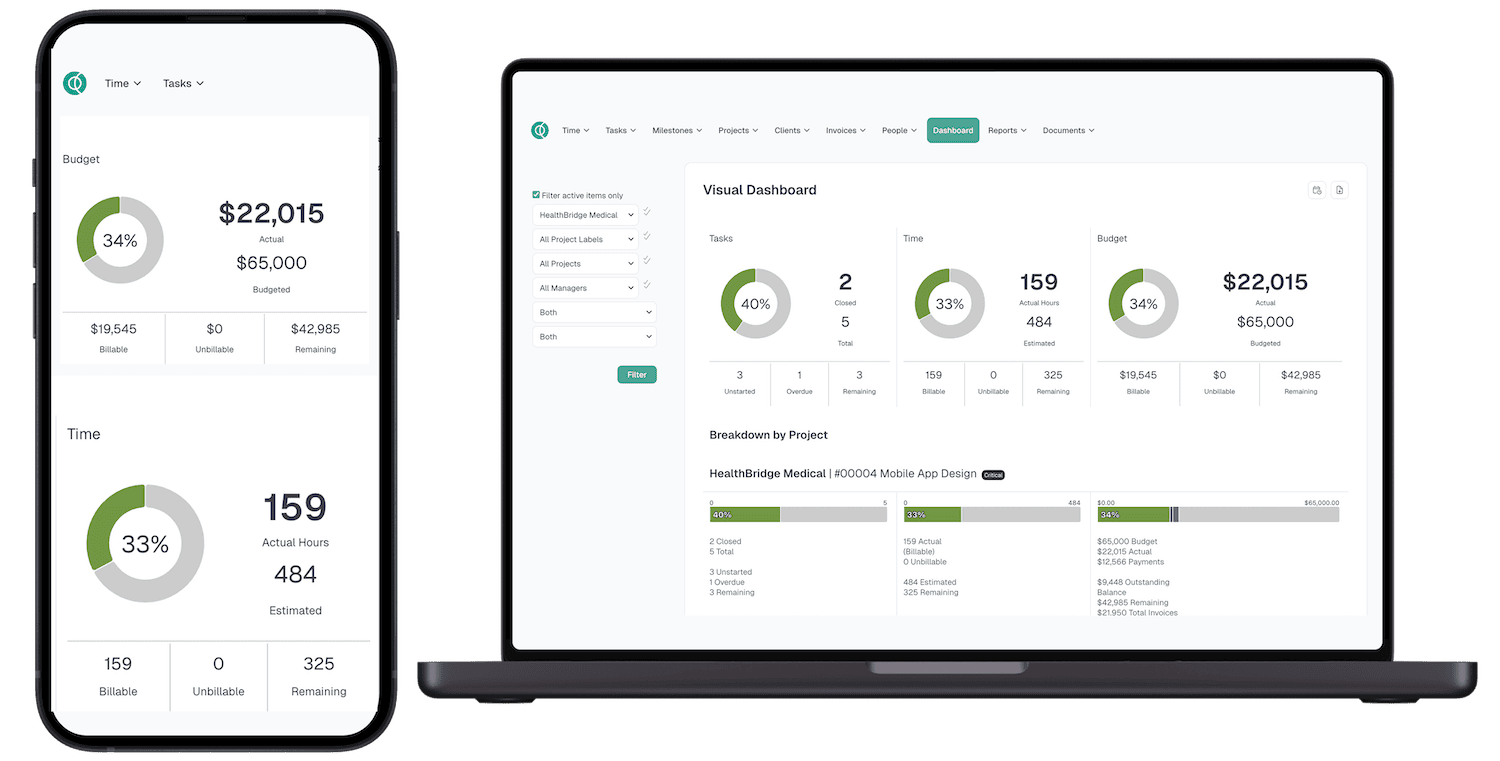
Intervals' project management simplifies task organization, no matter where you are.
-
Access your projects with a single click. Intervals' background operation allows you to dedicate your attention to your tasks without needing a separate tab open.
-
Manage projects on the move. Intervals' mobile app allows you to manage projects on the go, making it easy to update task status and collaborate with your team.
CONNECT PROJECT DATA
Move project information where it needs to go
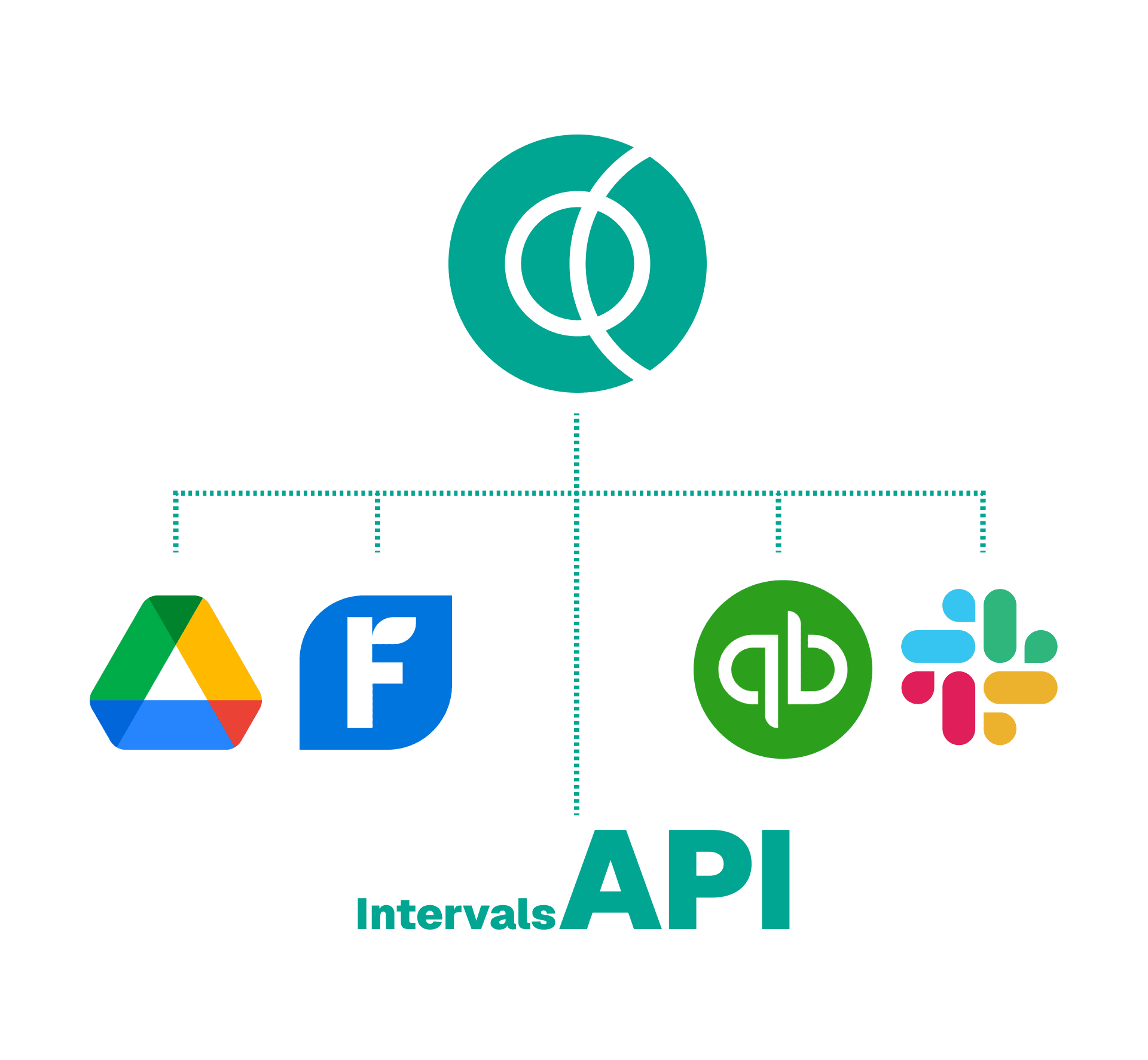
Use built-in exports, supported integrations, email-based workflows, and the documented API to connect Intervals with the rest of your operation.
-
Supported apps and integrations. Review the current desktop, mobile, accounting, storage, and workflow options supported by Intervals.
-
Exports for reporting and backup. Take project data into spreadsheets or other analysis workflows when needed.
-
REST API. Build custom connections using public documentation for authentication, resources, errors, and examples.

We are here to help onboard your team.
More features
Frequently Asked Questions
Project management software is a tool that helps teams organize, plan, and execute projects efficiently. It provides features for task management, team collaboration, progress tracking, and resource allocation to ensure projects are delivered on time and within budget.
Additionally, many project management apps, like Intervals, provide additional resources to help empower your team and keep your projects on track, all within a mobile app. These can include time tracking, productivity tools, budget tracking, and insights to help you make better business decisions and optimize your processes.
For example, Intervals’ easy-to-use project management software turns your team’s tasks into visualized reports that provide a unique insight into how your team is progressing on projects. This way you can see which projects are on track, which need attention, and when it’s time to allocate more resources to drive the success of your business.
Project management software can also help with budget tracking. Intervals updates your project budgets in real time to help you keep your projects profitable and running smoothly. You can also keep track of internal costs and rates and review past project data to make smarter decisions for future plans.
Intervals does not offer a free plan. It offers paid plans for teams with different project needs, and you can try Intervals free for 14 days with no credit card required.
During the trial, you can see how easy it is to organize projects, gain insights from past work, and deliver results — all in one place. If Intervals is a good fit, choose the paid plan that best fits your team.
Intervals pricing is based on active projects, not per seat. Our Basic plan ($49/mo) includes unlimited users—so you can scale your team without scaling your pricing. That's big savings compared to per-seat tools.
Lite ($29) and higher tiers are on our pricing page. All plans except Lite include unlimited users. Start with a free 14-day trial; no credit card required.
Project management among your team and business is critical to the success of your projects. Using effective project management allows your team to plan out their work knowing all the necessary tasks are completed in a structured way without experiencing confusion or delays.
Teams who don’t utilize an effective project management strategy are more likely to miss project deadlines, produce work that doesn’t meet company standards, disrupt team coordination and feel more stressed.
What are the benefits of project management? For starters, a solid project management strategy motivates your team to complete their goals, in an organized way. If your team can manage their projects effectively, they have a much larger chance of using their time efficiently to achieve the greatest possible results.
It’s easy for your team to get overwhelmed during the day responding to emails, planning too many meetings, and other tasks. But with solid strategy behind project management, they’re more likely to advance projects, engage in smart planning strategies, and work to sharpen their skills overall.
Start tracking time today
See how Intervals can simplify time tracking and project management for your team.
Try Intervals free